Small Business AI Automation: Why Demos Fail in Real Life

- Production environments expose fragile AI because real data is messy, incomplete, and continuously changing.
- Reliable AI requires building robust workflows around the model rather than searching for smarter models.
- Implement human-in-the-loop validation checkpoints for external communications and other high-cost operations.
- Establish prompt versioning and rollback paths on day one to prevent silent quality degradation.
- Test your automation with real-world edge cases and measure business outcomes instead of tech vanity metrics.
Small business AI automation that wins applause in a demo often falls apart the moment it meets a real customer, a half-finished intake form, or a system update nobody flagged. You watched a clean walkthrough, signed off, and within weeks the tool was producing answers your team had to quietly correct. Here is the part most vendors skip: the failure is almost never the model. It is the workflow around the model—the testing, the approvals, the logging, the rollback (WorkOS, 2024). This post gives you an operational checklist for building AI like a governed business process, so you get reliable results instead of demo-only behavior.
Why small business AI automation works in demos but breaks live
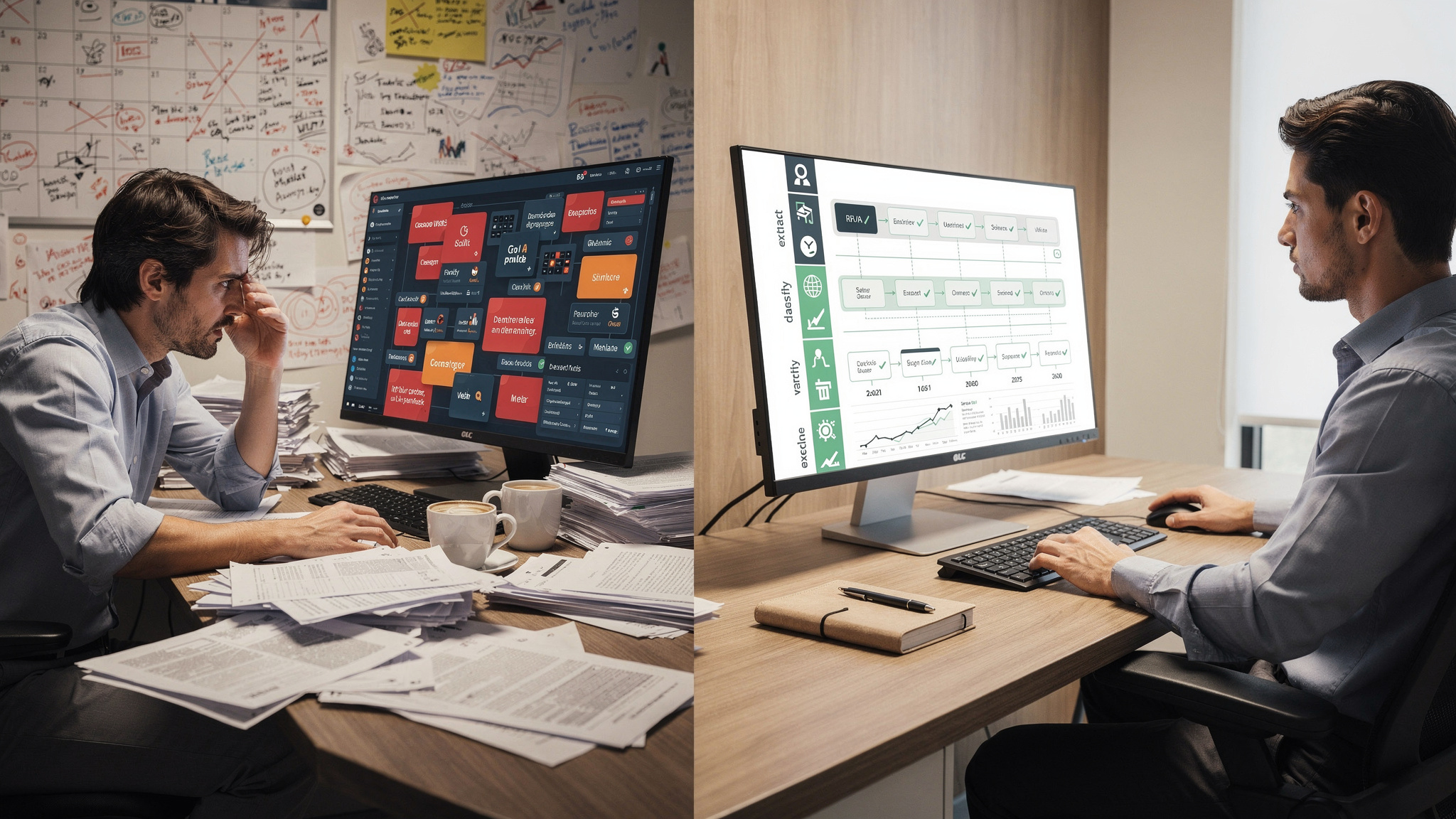
A demo is a controlled environment. The inputs are clean, the scope is narrow, and a human is watching every step. Production is the opposite—broader, messier, and running continuously without anyone hovering over it. Researchers call this the deployment gap: pilots survive because they are curated and supervised, then collapse once they integrate with live systems, scale to messy inputs, and operate without constant attention (Prosci, 2024; Mind the Product, 2025).
There is a second, quieter problem. Many generative AI workflows do not retain feedback or improve from context over time. They stay static while your operations keep changing. MIT-related reporting describes this as a learning gap, where systems become "science projects" rather than evolving operational tools (Mind the Product, 2025). A workflow frozen on day one slowly drifts away from the reality of your business.
That reframes the whole problem. Reliable AI is a workflow reliability issue, not a question of finding a smarter model. The breakdowns that hurt you—brittle steps, fragile integrations, and missing oversight—live in the process around the model, not inside it (WorkOS, 2024). Fix the process and the same model that embarrassed you in week three becomes dependable.

The 4 production stressors that expose weak workflows
Real data is the first stressor. A demo set never includes the missing field, the scanned document that won't parse, or the customer who phrases a request in a way no one anticipated. Production delivers all of these on day one, and a workflow built only for clean inputs produces outputs that simply never appeared in testing.
The second stressor is everything around the data. Upstream systems get updated. Connectors break. A field your workflow depends on gets renamed or stops populating. When that happens, the AI keeps running on incomplete or wrong inputs, confidently acting on information that is no longer trustworthy (WorkOS, 2024). The model behaves; the plumbing fails.
The "operational system" requirements your AI implementation services must include
There is a meaningful difference between buying a clever prompt and buying a governed workflow. A one-time prototype hands you a result and walks away. A governed workflow comes with clear success metrics, defined points of human-AI collaboration, event logging, and a way to roll back when a release goes wrong (WorkOS, 2024). The first impresses you once. The second holds up under months of real use.
The research points to a minimum set of design choices that separate the two. You want approval gates in front of any risky action, human override for the exceptions the system can't handle, and version control for your prompts and workflow configuration (WorkOS, 2024). These are not luxury features bolted on for cautious buyers. They are the difference between a tool you can trust with customers and one you have to babysit.
Ownership and readiness matter just as much. Integration points should be planned from day one, not discovered after the pilot when someone asks how this connects to your existing systems (Prosci, 2024). Treat release readiness as part of the implementation itself. Someone needs to own the workflow once it is live, because a system with no owner is a system that degrades quietly until a customer notices first.
Human-AI collaboration (not blind automation)
The strongest recommendation across the research is consistent: design for human-AI collaboration, not full automation (WorkOS, 2024). Put a person in the loop wherever a mistake would be costly—external communication, anything touching finances, and anything with compliance exposure. That is where your team catches the edge case the model misread and overrides a bad output before it leaves the building.
This matters most in regulated work. A clinic sending a patient message or a firm issuing client correspondence cannot afford a silent error. The goal is what the research calls graceful override paths, so the workflow fails safely instead of quietly producing something harmful (WorkOS, 2024). A human review step is not a sign the AI is weak. It is what lets you deploy it at all.

Versioning + rollback as "day 1" requirements
Version control belongs in your AI workflow from the start. Prompts get edited. Configurations change. Upstream data shifts. Any of these can cause the workflow to drift even when the underlying model has not changed at all (Mind the Product, 2025). Without versioning, you have no way to know what changed or when the quality slipped.
That is why a rollback path is a day-one requirement, not a contingency you build after the first failure. When performance degrades, you need to revert quickly to the last known-good version while you diagnose the problem. Rollback should be normal and routine, not a fire drill. The teams that recover fastest are the ones that planned for failure before it arrived.
How to test business process automation with AI before going live
Start with one painful workflow and resist the urge to do more. Pick something with measurable drag—intake, document processing, follow-up, or research. Define the baseline first: what happens today, how long it takes, and how often it goes wrong. Then measure whether the AI actually reduces that time, cost, or error rate in a controlled pilot (WorkOS, 2024; Prosci, 2024). Without a baseline, you have no honest way to judge success.
Keep the scope tight but the data real. The research is clear that pilots should run on real inputs within a limited scope, then expand only after results hold steady (Prosci, 2024). Testing on synthetic, tidy data tells you nothing about production, because production is exactly what synthetic data leaves out.
Anchor everything to a metric tied to the business process, not to the technology. Hours saved per week. Dropped leads recovered. A lower admin error rate. Fewer downstream mistakes that someone else has to fix later. Define success before you launch so the pilot ends with a clear yes or no, not a vague sense that it "seemed fine" (Prosci, 2024).
A practical "pilot scorecard" you can build in a week
A useful scorecard starts with the inputs you will test. Include the common real-world cases your team handles every day, then deliberately add the known edge cases—missing fields, ambiguous wording, the document that arrives in the wrong format. The edge cases are where weak workflows break, so they belong in the test, not in production discovery.
Next, define what "pass" actually means in numbers. That might be a target error rate you will not exceed, a specific time savings you need to see, or an acceptable rate of cases that route to human review. Write the threshold down before you run the pilot. A scorecard with clear pass criteria turns a subjective judgment into a decision you can defend to your partners.
Instrument the pilot so you can learn without guesswork
Event logging is what turns a pilot into a learning exercise rather than a guessing game. Capture every decision and output so that when something goes wrong, you can see exactly where and why (WorkOS, 2024). A failure you cannot trace is a failure you will repeat.
Capture user feedback alongside the logs. Let the team flag bad outputs as they happen, so each correction informs the next run. This directly addresses the learning gap—the tendency of static workflows to stop improving (Mind the Product, 2025). A pilot that captures feedback gets better. A pilot that does not stays exactly as flawed as the day it launched.

Safeguards every AI integration services workflow should have in production
Five safeguards prevent the slow drift and brittleness that sink most deployments: approval gates, human override, event logging, version control for prompts and workflows, and a rollback path (WorkOS, 2024). None of these are advanced. Together they are the operational floor below which no production AI workflow should run.
The reason they matter is mechanical. Once a prompt is reworded, an upstream data source shifts, or an integration changes, the workflow can drift even though the model is identical to yesterday's (WorkOS, 2024; Mind the Product, 2025). The safeguards are how you notice the drift early, contain it, and reverse it before it reaches a customer.
For a clinic or a professional services firm, this is not abstract. Your reputation, your compliance posture, and your customer experience all depend on predictable outcomes. An unmonitored workflow that drifts is a quiet liability—the kind you discover through a complaint rather than a dashboard. Safeguards are what keep a productivity tool from becoming a reputational risk.
What to log (so monitoring is actually useful)
Log the signals that tell you something operational. Track missing or null input rates, because a spike usually means an upstream source broke. Watch the distribution of AI outputs for sudden shifts. Tie everything back to downstream outcomes like error rate and cycle time (WorkOS, 2024). Skip the vanity metrics. A count of how many times the tool ran tells you nothing about whether it ran well.

How to monitor AI performance after deployment
Go-live is the start of the work, not the end. The research recommends treating an AI release as a living product with ongoing observability rather than a one-off implementation (WorkOS, 2024). Monitoring that stops at launch guarantees you will learn about problems from the people you least want to hear them from—your customers.
Watch operational signals, not flattering ones. Event logs, shifts in output distribution, user feedback, and spikes in null or missing inputs all warn you early. Pair those with business-result metrics—lead conversion, cycle time, error rate—so you can see whether the workflow is still delivering the outcome you bought it for (WorkOS, 2024; Prosci, 2024). The technical signal and the business signal together tell the full story.
Monitoring only works if someone owns it. Decide who reviews alerts, what conditions trigger a pause, and how fast a rollback can happen. An alert with no owner is noise. A pause with no defined trigger is a debate held while quality slips. Assign these roles before launch, not during the first incident.
If something degrades, what should happen next?
When the numbers slip, start with the logs. They tell you whether the cause is upstream data plumbing, a changed integration, or the workflow logic itself (WorkOS, 2024). Diagnosing the right layer saves you from fixing the wrong thing while the real problem keeps running.
Then act on the plan you already wrote. Trigger human review and roll back to the last stable version according to your release plan, rather than improvising under pressure (WorkOS, 2024). A degradation you can name and revert in an hour is an inconvenience. The same degradation with no plan behind it is the failure story your competitors get to tell.
See Where Your AI Workflows Are Governance-Ready
Answer a few questions and get a scored report showing exactly where your workflows have the safeguards that prevent demo-to-production failure.

More from the blog
Keep reading and learning

Every other Tuesday, The Human Factor takes one psychological principle, drops it into a real moment in a small business, and shows what an automation does about it. Three minutes to read. No tutorials, no jargon, no AI hype. Just the reason your intake form never gets finished or your best customer goes quiet after a price change, and a fix you could have running in a day.
The moment — A real scene from a small business: who's in it, what they're trying to do, and what they do instead
Why it goes wrong — The psychology behind it in plain terms, explained through the moment rather than the textbook. One principle per issue
What the automation does — The fix, laid out as a simple flow, and what actually changed in hours or dollars