Reliable AI Automation: Stop Paying for AI Workflows Twice

- Poorly designed AI workflows lead to double-billing through high token usage and costly manual oversight hours.
- Always separate deterministic rules from probabilistic model judgments to ensure cost-efficiency and system testability.
- Position the AI model as a narrow component within a structured workflow rather than the orchestration container itself.
- Optimize context costs by retrieving relevant document snippets instead of re-sending full manuals on every run.
- Establish a staged pipeline—extract, classify, verify, execute—and assign the cheapest sufficient tool to each stage.
A personal injury firm outside Phoenix put an AI on its intake line last spring.
The reasoning was sound. Roughly a third of the firm's inbound calls arrived after five o'clock, and every one that rolled to voicemail was a case walking down the street to a competitor with a faster phone. So now the AI answers, asks about the accident, captures the details, decides whether the caller looks like a viable case, and books the qualifying ones onto an attorney's calendar.
It works. Booking rates are up. Nobody has complained.
In month one, the AI bill was eighty dollars. By month three it was eleven hundred, and inbound volume had not quite doubled. Meanwhile the intake coordinator has developed a habit she has not mentioned to anyone: every morning she opens the previous night's transcripts and reads them start to finish. She started after the system told a caller his claim was still timely when the statute of limitations had run out four months earlier. It takes her about an hour a day.
So the firm is paying for that intake workflow twice. Once to the vendor, in tokens. Once to the coordinator, in the hour she spends every morning shoring up a system nobody trusts enough to leave alone.
Here is the part that should interest you: those two bills have the same cause. They are not a cost problem sitting next to a reliability problem. They are one design problem, billed through two different accounts. And the fix for either one is the fix for both.

The Overloaded Step: Where Reliable AI Automation Breaks Down
Open the workflow and you will find one instruction doing all the work. It tells the model to read the transcript, interpret what the caller described, apply the firm's intake criteria, and book the appointment. One prompt. Four jobs.
That is the wrong unit of work, and it fails for a reason you can diagnose rather than debate. Bundle extraction, judgment, and action into a single step and every failure looks identical from the outside. You get a bad booking. You cannot tell whether the model misheard the accident date, misread the criteria, or applied the right criteria to the wrong fact. There is nowhere to put a test, because there is no boundary to test at. There is nowhere to put a fix, because you cannot isolate what broke.
This is why AI failures feel unfixable. The model is not a black box. You built one around it.
Now watch what actually breaks in production, because the model is rarely the culprit.
Integrations drift. A calendar API renames a field. An export format shifts on a Tuesday with no announcement. The AI keeps producing flawless output and it stops landing anywhere. You find out when a client does.
Inputs get messy. Your demo used the clean version. Production hands you a caller on a bad connection, a two-minute silence while he goes to find the police report, and an accident date he gives you as "sometime around my daughter's birthday."
Quality drifts silently. Your vendor updates a model. Someone tweaks a prompt to fix an unrelated annoyance. An upstream data source changes shape. Outputs move a little, then a little more, and nothing announces it.
Staff quietly stop trusting it. This one costs the most and shows the least. When people cannot see why the AI decided what it decided, and cannot correct it when it is wrong, they build a shadow process around it. An intake coordinator reading every transcript at eight in the morning. The system still runs. It has stopped saving anyone anything.
None of these are model failures. Every one is a workflow failure. No upgrade will fix them, and every month you spend waiting for a better model is another month you pay both bills.
The Judgment Test: The One Question Reliable AI Automation Depends On
Underneath the overloaded step is a deeper and more expensive error, and once you see it you will see it everywhere.
A large language model is a probabilistic component. Given the same input twice, it may give you two different answers. That property is exactly what makes it valuable for the things it is good at, and exactly what makes it the worst possible tool for the things it is not.
Most AI automation routes work through a model that has no business being there. Before any step in your workflow touches an LLM, it should have to pass one question:
Does this step require judgment, or does it require a rule?
If it requires a rule, it is a software problem, and software solved it years ago. Here is roughly where the line falls in the workflows small businesses actually run.
Work that does not need a model
- Normalizing dates, phone numbers, addresses
- Totals, tax, any arithmetic at all
- Looking up a customer or job record
- Checking that required fields are present
- if amount > 5000, escalate
- Routing against a fixed list of options
- Deduplicating records
- Sending the email, filing the record
Work that genuinely needs one
- Reading intent out of a free-text message
- Summarizing an unstructured call transcript
- Sorting genuinely ambiguous input into fuzzy categories
- Drafting language a person will review before it ships
- Judging tone, urgency, or sentiment
- Explaining a document in plain language
The left column is code, API calls, and validation rules. The right column is where a model earns its keep.
When you send left-column work through a model, you pay for it three separate times.
You pay in tokens. A database lookup costs nothing. Asking a model to recall the same information costs money on every single execution, forever, and you never stop paying it.
You pay in reliability. A function that sums a column returns the correct total every time, on the ten-thousandth run as on the first. A model returns a distribution. This matters most for the task people hand to models most casually, which is arithmetic. Language models are structurally poor at math. They are pattern-matchers that have learned what arithmetic tends to look like. Asking one to total an invoice is asking a very well-read person to do your books from memory.
You pay in testability, which is the one that compounds. You can write a test asserting that a function returns 47. You cannot write that test for a model. Every step you route through an LLM permanently enlarges the part of your system that cannot be verified, only monitored. Ten model steps means ten places where you are trusting rather than knowing. Two model steps means two.
The reframe that follows is the single most useful idea in this piece:
The model should be the narrowest component in your system, not the container it runs in.
Most small business AI automation has this exactly backwards. There is a model at the center, orchestrating tools, making calls, deciding what happens next. It should be a workflow at the center, calling a model only at the two or three points where the work genuinely requires interpretation.
The narrow version is cheaper, more reliable, and testable almost everywhere. You do not have to choose among those three. They arrive together, because they come from the same decision.

How AI actually bills you
To make those decisions well, you need to understand how the meter runs. Most owners never get a straight explanation, which is how an eighty-dollar bill becomes eleven hundred without anyone doing anything obviously wrong.
You pay for input, not just output. Every token going in is billed, along with every token coming out. Most people assume the cost is in what the AI writes. It is usually in what you feed it. A rough conversion: about 750 words is 1,000 tokens, so a thirty-page document runs somewhere near 20,000 tokens before the model has produced a single word of response.
Context is re-billed on every run. This is the big one, and the one almost nobody sees coming. Models have no memory between calls. If your intake workflow pastes in a forty-page case-criteria manual so the AI knows your rules, that manual is not stored somewhere and referenced. It is transmitted and billed in full, every single execution.
Call it 30,000 tokens of unchanging context per run. At 200 calls a month, you are paying for six million tokens of the same manual, over and over, forever. Nothing about that manual changed. You bought it 200 times.
The alternative is retrieval: pull the two paragraphs that actually apply to this call, roughly 300 tokens, and send those. Same information available to the model. A hundredth of the cost. And the accuracy improves too, because a model given two relevant paragraphs performs better than one given forty pages and asked to find the relevant part itself. This is the pattern to internalize. The fix for context cost and the fix for context confusion are the same fix.
Failure is a line item. When a run fails validation and re-runs, you paid twice for one result. If fifteen percent of your runs retry, your real cost is 1.15 times your apparent cost. If you have handed a model a tool loop and let it retry until it succeeds, a single stubborn call can cost five or ten times a normal one, and it will not appear anywhere except the invoice at the end of the month. Unreliability is not a separate problem from cost. Unreliability is billed.
Conversations accumulate. Multi-turn agents re-send the entire conversation history on every turn, because that is the only way the model knows what happened. Turn one sends one unit of context. Turn ten sends ten. A ten-turn conversation does not cost ten units, it costs about fifty-five. Cost curves upward as conversations lengthen, which is why an agent that "just needed a bit more back-and-forth" can be startlingly expensive.
The unit cost illusion. Four cents a task is invisible during a pilot. Forty test calls cost you $1.60 and the number never registers. Four thousand calls a month is $160, which is fine, except the pilot did not include the retries, the context did not yet include the criteria manual somebody added in week six, and the conversation length grew when you asked for follow-up questions. The number that matters is not what the pilot cost. It is what the workflow costs at ten times your expected volume, with the bloat included.

Give every stage the cheapest tool that can do the job
Now the design. The pattern that fixes both bills is a staged pipeline where each stage does one thing, has one quality check, and is assigned the cheapest tool sufficient for the work.
Four stages: extract, classify, verify, execute. The pattern generalizes well past phone intake, so it is worth walking through on a different case entirely: invoice processing.
Extract
Pull the facts out. Vendor name, amount, date, PO number, captured as structured data and nothing else. No conclusions, no judgments about whether the invoice is valid.
Reach for pattern matching first. Invoice numbers, dates, dollar amounts, and email addresses have shapes, and a regular expression or a purpose-built parser handles them for free, instantly, identically every time. Use a model only for the genuinely unstructured remainder, and use a small one. Extraction is not a task that rewards a frontier model.
Keeping judgment out of extraction is what makes every later stage trustworthy. The moment the extractor starts drawing conclusions, you have lost the ability to check its reasoning separately from its reading.
Classify
Choose the path. Which queue, which document type, which approval track.
This is legitimate model work, and it should be tightly bounded. Give it a short, closed list of possible answers. Never leave classification open-ended, because an open-ended classifier is just an overloaded step wearing a smaller hat. A small, cheap model against six clear buckets is reliable. The same model against "categorize this appropriately" is not.
Verify
Check completeness and policy fit before anything happens in the outside world.
This stage should be pure code. Required fields present. Amount within range. Vendor exists in the system. Total matches line items. Not a duplicate of something posted last Tuesday. These are rules, they are deterministic, they cost nothing, and they can be tested to exhaustion.
The verify gate does double duty, which is why it is the highest-leverage stage in the pipeline. It is your reliability control, catching the incomplete claim and the almost-right classification before they reach a customer or a ledger. It is also your cost control, because it stops you paying for a downstream execution built on a bad input. Every dollar spent on execution after a failed verify is a dollar spent making a mistake worse.
Execute
Route the item, post the record, send the message. This is an API call. Always. Never a model.
By this point the interpretation is finished and reviewed. The action is mechanical, and mechanical work belongs to mechanical tools. A model that "decides" to send an email is a model that can decide to send the wrong one.
Tier the models that remain
Once the deterministic work is out, look at what is left and match the model to the difficulty. Classifying into six buckets does not require your most capable model. Judging whether a customer message describes an emergency might. Frontier models earn their price on genuine judgment. They do not earn it on filing, and most workflows are quietly paying premium rates for clerical work.
Safeguards, and the data that proves they work
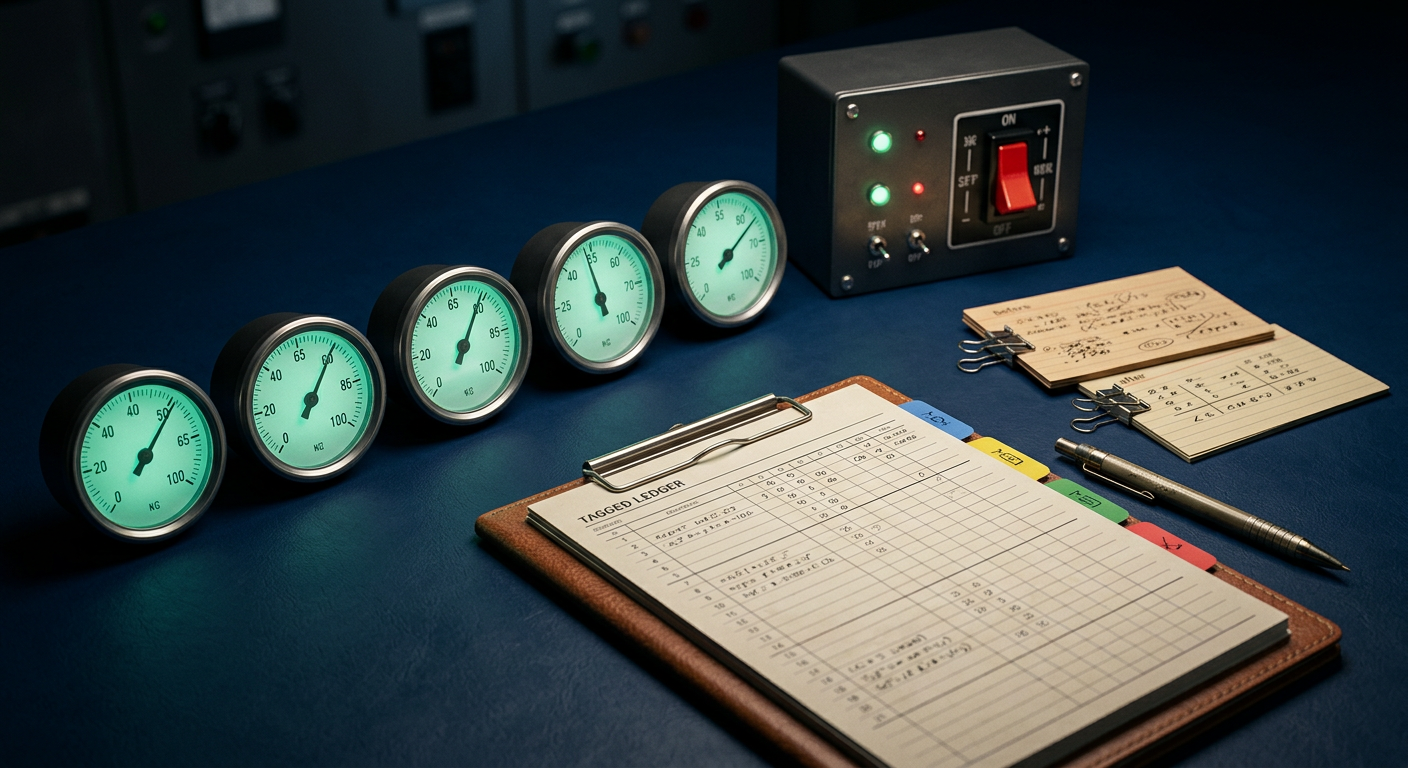
A pipeline like this still needs controls, and there are five worth treating as non-negotiable: approval gates on risky actions, a human override path for exceptions, event logging for every decision, version control on your prompts and rules, and a rollback path for a release that goes wrong.
Put human review where an error costs more than a glance. Customer-facing messages, financial actions, anything with compliance exposure. Let the routine flow through untouched and escalate only the unusual. Notice that a more deterministic pipeline needs fewer human checkpoints than a model-heavy one, because there is less nondeterminism left to supervise. Determinism buys back your people's attention, and their attention is the most expensive thing in the building.
Then instrument it, because here is the uncomfortable truth about everything above:
The vendor bill tells you what you spent. It will not tell you what you bought.
A lump sum at the end of the month is not visibility. Neither is "it seems to be working." Every decision in this piece is a bet, and without data you cannot tell whether any of them paid off, or whether they are still paying off next quarter after a model update you were never told about.
Log tokens per step, with input and output counted separately. A combined number hides the failure mode that matters most, which is input bloat. If input tokens climb while your volume stays flat, something is accumulating: a context block someone extended, a conversation that got longer, a document that grew. You want to see that on a chart in week two, not on an invoice in month three.
Track cost per completed task, not cost per call. Retries live in the gap between those two numbers, which makes that gap the most honest reliability metric you have. A workflow whose cost-per-call looks great and whose cost-per-completed-task looks terrible is a workflow that fails constantly and hides it.
Version your prompts and tag every run with the version. Without this, a quality change is a mystery. With it, it is attributable to a specific edit on a specific day. Log the cost alongside the version too, because the best prompt is not the highest-performing one. It is the one that clears your requirements at the lowest cost per run, and a shorter prompt that performs identically is strictly better forever.
Capture human corrections. Every time a staff member fixes an AI output, that is a free, labeled example of a real failure mode in your actual business. Most teams throw these away. Save the before, the after, and the step it came from, and you have built the beginnings of a test set without doing any extra work.
That test set deserves its own treatment, and it gets one. We wrote a companion piece on building an eval set from real examples, grading deterministically wherever possible, and running it on every prompt and model change so quality cannot drift quietly.
Prove it before you sign
If you are still choosing a vendor, the same principles convert directly into a purchasing test.
Run the tool against your own material, including the ugly examples. Not the vendor's demo set. Your scans, your forms, your voicemails, the ones with a page missing. Benchmark scores describe performance on clean, standardized tasks under laboratory conditions. They tell you nothing about your Tuesday.
Ask for p95 latency, not average. The average hides the slow tail, and the slow tail is what your staff actually waits on.
Model the cost at ten times your expected volume, with retries included, before you sign anything. You have leverage now that you will not have later.
Ask what the vendor does when quality slips. What signals they watch, how often they look, what they change when the answer is bad. "We'll keep an eye on it" is not a plan, and a vendor with no monitoring story is asking you to trust a snapshot indefinitely.
And add one red flag to your list that most buyers miss: be wary of any vendor whose architecture runs every step through their model. It is more expensive for you and more profitable for them, and the incentive is not subtle. A vendor who volunteers which parts of your workflow should be plain code is a vendor worth taking seriously.
Make it a standing practice
The judgment test is not something you run once at design time and file away.
Your instrumentation will tell you where to run it next. The model steps with the highest override rates are the ones your staff keeps correcting, which means the work is more rule-shaped than you assumed and is a candidate for hard logic. The steps burning the most tokens for the least actual judgment are candidates for a cheaper model, or for demotion to code entirely. Both lists come straight out of the logs, and both get shorter every quarter you pay attention to them.
That is the whole discipline, and it is smaller than it sounds. Ask what each step really needs. Give it the cheapest tool that can do the job. Gate the risky moments. Measure what you spent and what you got. Then use what you learn to move one more step from the probabilistic column into the deterministic one.
Do that consistently and the two bills shrink together, because they were always the same bill.
Bring us one workflow
If you have an AI workflow that is either costing more than you expected or quietly generating cleanup work, send it to us. Share the current steps and one real example document or message, and Webspenser's Fractional AI Department will map it stage by stage and show you exactly which steps genuinely require a model and which ones are quietly overpaying for judgment they never needed.
You will get a concrete workflow map back, with the deterministic swaps identified, the verify gates placed, and the instrumentation you are missing. Not a sales deck.
Send us one workflow this week and we will show you where both bills are hiding.
Find Out Which Bill Your Workflow Is Hiding
In 60 minutes, you'll see exactly which steps in your AI workflow genuinely need a model and which ones are quietly charging you for judgment they never needed.

More from the blog
Keep reading and learning



Every other Tuesday, one short email. A real moment from a small business, why people act that way, and the automation that handles it. Three minutes. No jargon, no hype.