Why AI Agents Fail in Production and How to Fix Them

- Most AI agent failures map to bad scope, weak governance, poor evaluation, or fragile tool use.
- Diagnose agent issues by inspecting the tool call timeline and parameter logs instead of just text output.
- Restore performance quickly by narrowing the agent's scope to a single bounded decision rather than an entire workflow.
- Ensure reliable performance by introducing mandatory approvals for high-impact actions and human fallbacks.
Most AI agents don't stop working because the model got worse overnight. They stop because the system around the agent was never built for production. The demo was clean, the invoices matched, the records updated. Then a real customer emails "same as last month, but add the rush fee," an inventory API renames a field, and the agent starts making wrong moves, looping, or failing silently. This piece explains why AI agents fail at four common breakpoints (scope, governance, evaluation, and tool execution) and how to apply fixes without waiting on a vendor ticket queue.
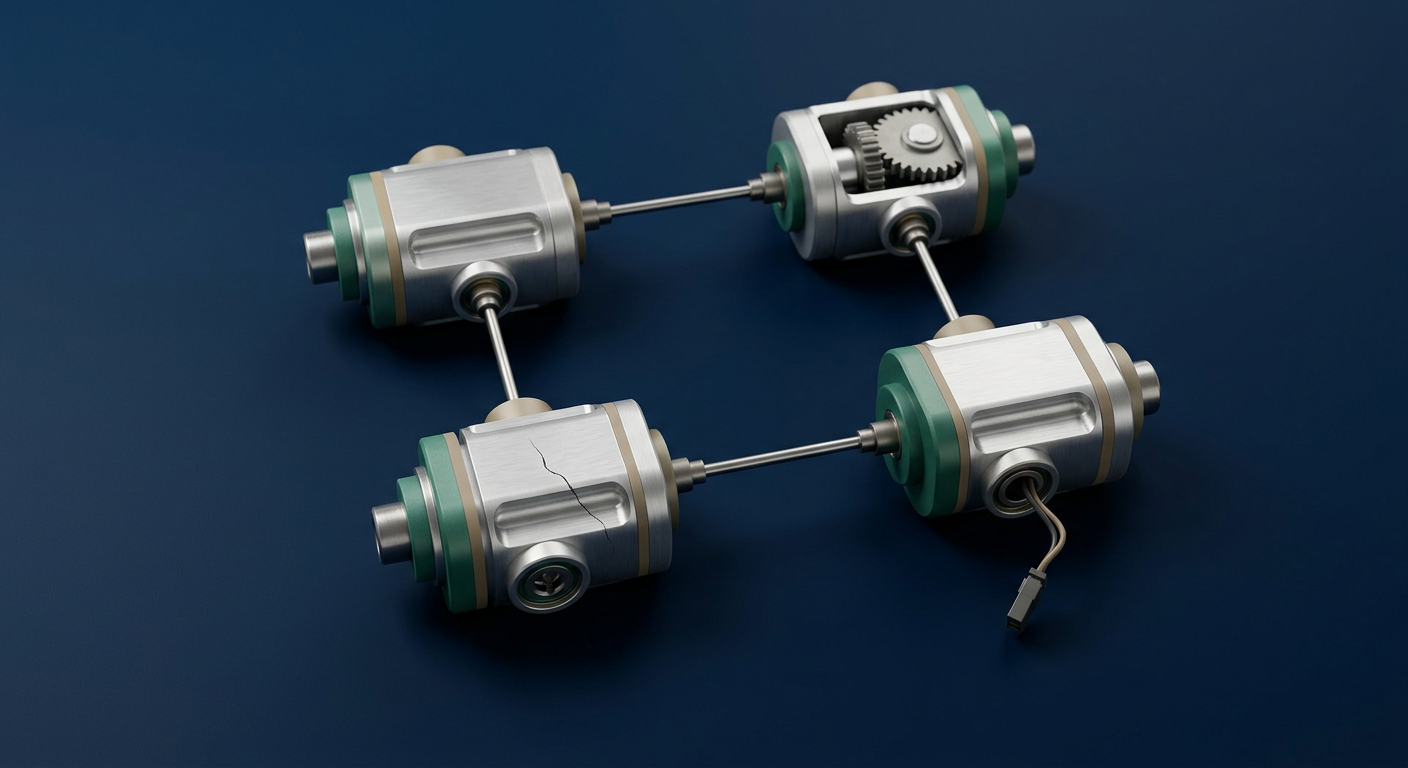
Why AI agents fail in production: the four breakpoints
Almost every agent failure maps to one of four buckets: bad scope, weak governance, poor evaluation, and fragile tool use. In plain terms, that shows up as the wrong action, no action, a delayed or looping run, or outcomes that change from one identical input to the next. The urgency is real. Gartner forecasts that over 40% of agentic AI projects will be canceled by the end of 2027 because of escalating costs, unclear value, or inadequate risk controls. You need faster diagnosis than a vendor ticket loop provides.
Bad scope. Agents fail when they try to own an entire process instead of replacing one bounded step. In practice, agents work better when they replace a narrow decision, not a tangled end-to-end workflow. Give one prompt four jobs and every failure looks identical from the outside.
Weak governance. Demos hide the controls production needs: approvals for high-impact actions, fallback paths when confidence drops, and logging on every decision. "It worked once" collapses the moment risk and edge cases arrive. Inadequate risk controls are one of the three cancellation drivers in that same Gartner forecast.
Poor evaluation. Good evaluation covers tool use, multi-step planning, safety, and robustness, not just whether the final message sounds right. Your tests must match how the agent actually behaves when it calls tools and retries.
Fragile tool use. Reliability depends on structured action execution, not just fluent language. The practical outcome is painful: the agent decides correctly, then the action fails or lands in the wrong record.

How to diagnose a failure fast (without rewriting everything)
Treat reliability as a systems problem, not a model problem. Reproduce the last failure, identify which bucket it fits, then isolate the failing boundary: planning, tool call, tool result, or policy gate.
Start with the tool timeline, not the text output. Collect the run transcript and the sequence of tool calls. Mark where it diverged: wrong parameters, wrong tool, a tool error, or a retry loop. Most of these are fixable in execution and governance without touching the model at all.
Then check whether retries hide the real failure mode. An agent that keeps trying until it succeeds masks the root cause while raising cost and inconsistency. Find the first step that breaks, not the last one that recovers.
Finally, map what the agent was asked to do. Ask whether it owned a broad workflow or just a bounded decision. Usually the honest answer justifies the most common structural fix: less autonomy, not more.

Quick fixes you can apply today
Apply the cheapest leverage first so you stop paying for broken behavior immediately. The most useful fix, counterintuitively, is often less autonomy. Constrain the boundaries and require explicit review paths when confidence is low.
Narrow the job. Start with one decision-heavy step or one repetitive task instead of a full process. Bounded steps create clear success criteria and make debugging fast, because you can see exactly which stage produced the wrong result.
Add guardrails. Require approvals for high-impact actions, restrict which tools the agent can call, and route exceptions to a person when confidence drops or a tool call fails. This directly answers the governance gap that drives cancellations.
Then test the steps, not just the answer. Evaluate components, not only outcomes: tool-call correctness, multi-turn behavior, and failure recovery.

Measure action completion, not a clean demo
A system can look fine until edge cases, longer conversations, or tool errors appear. Run repeated tests against real inputs and judge reliability across many runs, not a single clean demo. One success is not evidence of production readiness. Align your testing to how the agent behaves in the messy real world, because robustness is a systems property.
Success means the right tool call happened, with valid parameters, and the record or message landed where it should. Wording that reads well but never fires the action is a failure wearing a nice hat.
One success is not evidence of production readiness.
When you should involve the vendor (and what to ask for)
Escalate when logs show consistent tool failures, repeated safety-policy mismatches, or changes after a model update that you cannot reproduce or isolate.
Then ask direct questions. What monitoring signals do they watch, and how often? How do they handle quality slips? Which parts of your workflow should be plain code rather than model steps? Many projects die from unclear risk controls and cost, so your goal is short feedback loops, not open-ended trust. The cost side of these same decisions gets a full treatment in our breakdown of the two bills you pay for one bad AI design.
Send us one broken run
If you want a fast diagnosis, send Webspenser one real agent run, the steps plus a redacted transcript or tool-call log. We will map the failure to the right bucket and tell you which guardrail, evaluation test, or constrained workflow change will fix it first.
See Which Agent Breakpoints Your Setup Has Now
The audit scores your workflows, governance, and tooling against the same failure patterns this post covers, so you know what to fix first.

More from the blog
Keep reading and learning



Every other Tuesday, The Human Factor takes one psychological principle, drops it into a real moment in a small business, and shows what an automation does about it. Three minutes to read. No tutorials, no jargon, no AI hype. Just the reason your intake form never gets finished or your best customer goes quiet after a price change, and a fix you could have running in a day.
The moment — A real scene from a small business: who's in it, what they're trying to do, and what they do instead
Why it goes wrong — The psychology behind it in plain terms, explained through the moment rather than the textbook. One principle per issue
What the automation does — The fix, laid out as a simple flow, and what actually changed in hours or dollars